Browse, install and update extensions directly in SketchUp with Sketchucation Tools
Download Now
FredoBend v1.5b

- Overview
- Release Notes
Overview of FredoBend
- Sketchup version: SU2017 and above
- Platform: Windows and Mac OSX
- LibFredo6: v15.9a or above
- Sketchucation ExtensionStore: v5.0.7 or above
- Usage: As of 01 Jul 26, Paid, Licensed under Sketchucation SCFLicense
- Free Trial period (full features): 30 days from activation
- Perpetual license (3 seats): $30 ( for Premium members)
- Information on licensing extensions at Sketchucation: this post
FredoBend FredoBend provides several tools dedicated to bending geometry enclosed in a container.
- Bend Along Curve: It takes a container, a curve or sequence of edges and bends the geometry of the container along the curve with various options.
- Circular Bend: Bend a container along an arc of circle with various options
You have the capability to edit the bent shape:
- Change the bending parameters (angle, number of segments, etc....)
- Modify the original shape and regenerate the bending
- Go back to the original shape
Videos
Bend Along Curve: Introduction by TheSketchupEssentials
Bend Along Curve: Preview
Bend Along Curve: Preserving Quads
Circular Bend: Overview
Dome Bend: Overview
Discussion forum
Links to Sketchucation Forum: Main Post Latest Release
Installation of FredoBend
IMPORTANT: Make sure that you have first installed LibFredo6.
FredoBend is released as a regular RBZ extension file on the Sketchucation Site.
To download the RBZ file, use the red button on the right side of this page:
- Download If your are already logged in.
- Log in to get it! otherwise, in order to log in or to register to Sketchucation as a new user (this is FREE). Then you will be able to download the RBZ file.
Then, you can install the RBZ file from within Sketchup, via the Sketchup Extension Manager
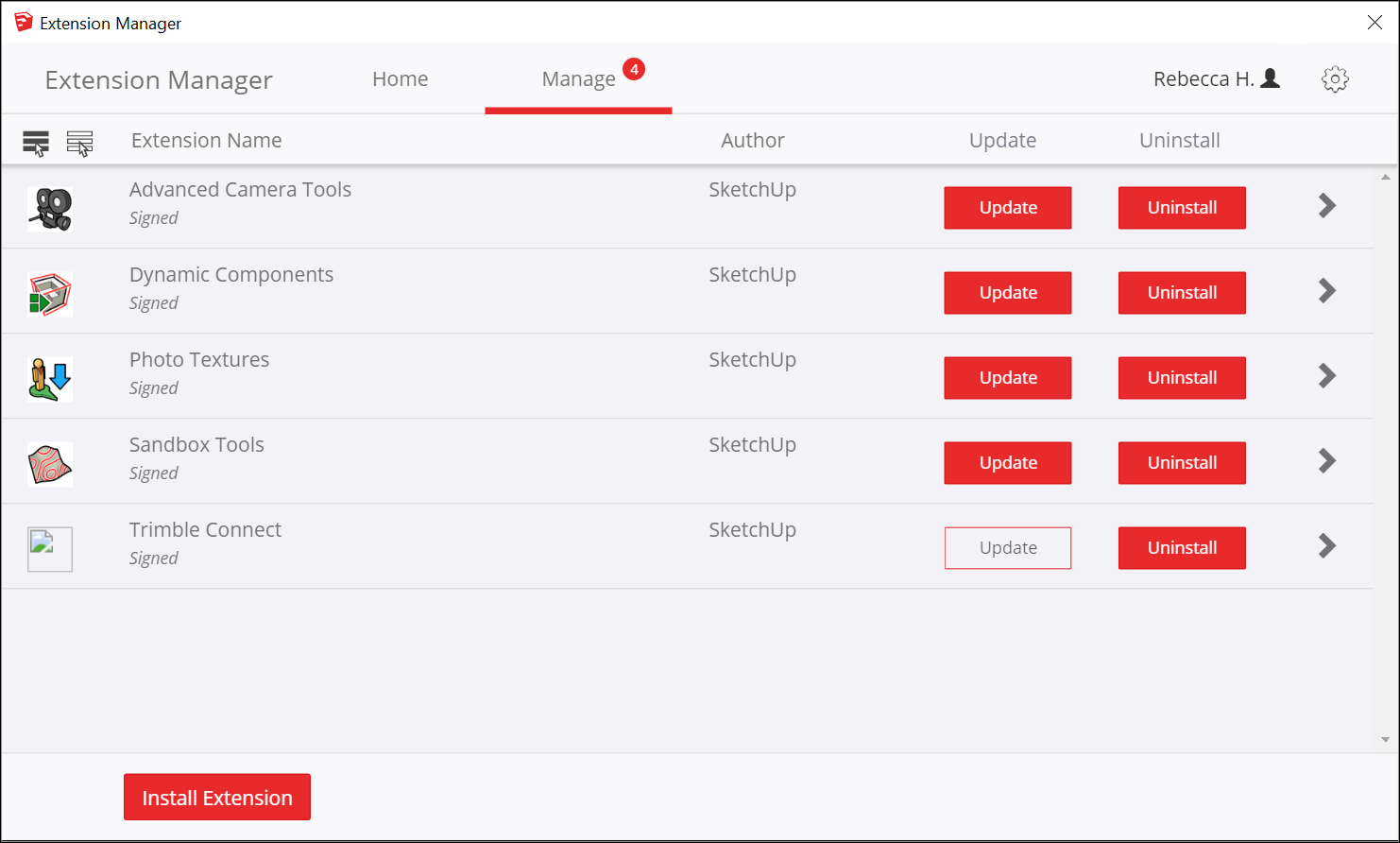
If you are not familiar with the installation of Sketchup extensions and Sketchucation, it is advised to watch the video LibFredo6 installation.
IMPORTANT: Whatever way you choose, you MUST quit and restart Sketchup to get FredoBend (and LibFredo6) properly loaded.
After the installation, you should have the following footprint in the Sketchup Plugins directory:
- Language: English
- Menus: by default, it is installed in Tools > Fredo6 Collection > FredoBend...
- Icon toolbar: FredoBend
|
Permission to use this software for any purpose, subject to license, is hereby granted Distribution of this software for any purpose is subject to: - the expressed, written consent of the author - the inclusion of the present copyright notice in all copies. |
Links to Sketchucation Forum: Main Post Latest Release
Release History
FredoBend v1.5b - 23 Jul 26: Small adjustment for shear normal
FredoBend v1.5a - 30 Jun 26: Introduction of the Dome tool
FredoBend v1.4a - 20 Jun 26: Technical and functional adjustments
FredoBend v1.3b - 04 May 26: Bug fixing for Circular Bend (position after manual move)
FredoBend v1.3a - 01 May 26: Cirular Bend tool, bug fixing and adjustments
FredoBend v1.2l - 10 Apr 26: Major Bug fixing (directions)
FredoBend v1.2k - 09 Apr 26: Bug fixing for replicas and repakaging
FredoBend v1.2g - 01 Apr 26: Bug fixing for versions prior to SU2021.1 (glued_to)
FredoBend v1.2d - 28 Mar 26: Bug fixing for SU2017
FredoBend v1.2c - 27 Mar 26: Bug fixing and evolution on Save original object
FredoBend v1.2b - 25 Mar 26: Bug fixing and new parameters (soften edges, coplanar edges)
FredoBend v1.2a - 25 Mar 26: Initial public release
Author:
All my plugins
Downloads: 9074
Size: 0.49 MB
Version: 1.5b
Categories: Construction, Drawing, Modification
Compatibility: v2017, v2018, v2019, v2020, v2021/22, v2023, v2024, v2025, v2026
Dependencies: LibFredo6 v15.9a or above
Updated: 2026-07-23