Browse, install and update extensions directly in SketchUp with Sketchucation Tools
Download Now
MAJ FollowMe v2026
- Overview
- Quick Start
- Documentation
- Release Notes
MAJ FollowMe – Quick Start Guide
Activate the tool Click the Draw icon to start MAJ FollowMe.
Select a profile Choose a profile from the message box.
Use Left / Right arrow keys to switch profiles.
Start drawing Click a point in the model.
The profile will follow your mouse.
Each click sets a fixed point.
Double-click to complete and generate the 3D shape.
Change profile while drawing Press X to switch to the next profile instantly during drawing.
Choose Follow Me type Select one of the three modes: Normal, Directional, or Rotate.
Adjust scale and materials
Scale profiles from 0.1 to 10.
Change or assign materials in real size, instantly.
Create new profiles from the model Use Pick Profile, select a face, choose two points, and save the profile.
Manage profiles and materials Add, remove, rename, or reorder profiles and materials at any time.
https://youtu.be/sw1FH2HCOQg
MAJ FollowMe – Main Documentation 1. Overview
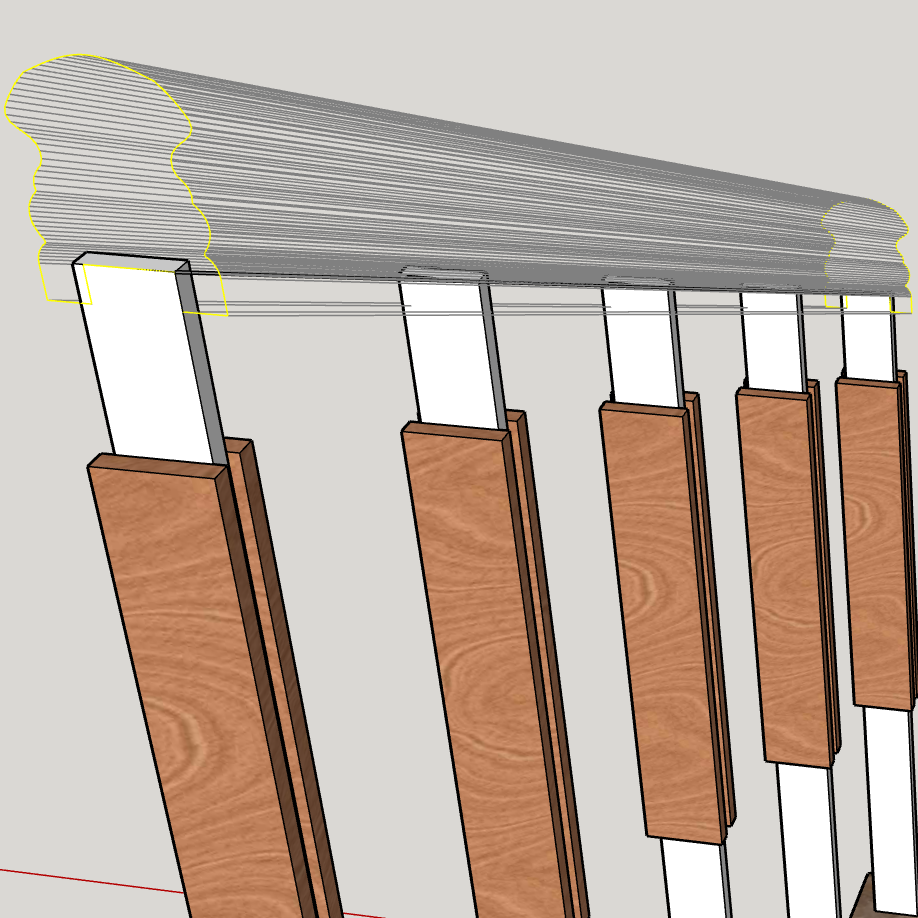
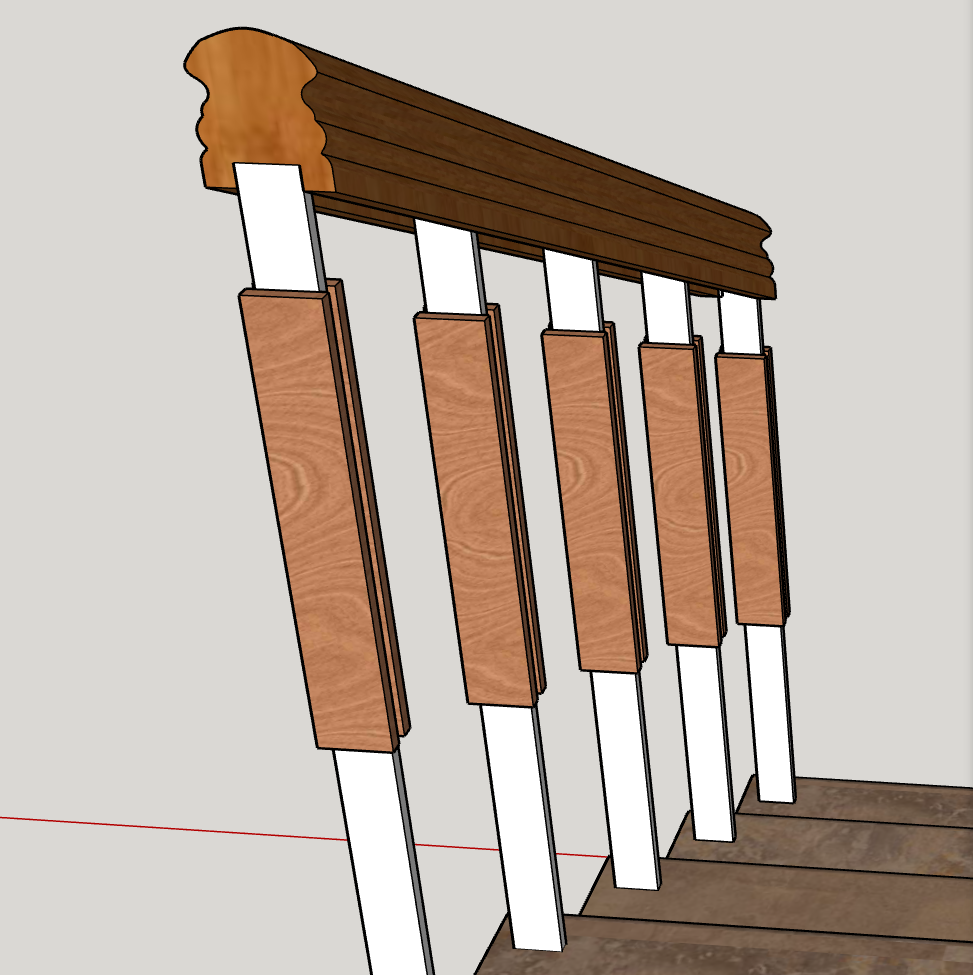
MAJ FollowMe is an advanced SketchUp plugin for creating 3D geometry from custom profiles with full interactive control. It allows users to place, switch, scale, and manage profiles dynamically while drawing, with real-time material control and multiple Follow Me modes.
This plugin is designed for architectural details, moldings, trims, rails, and any profile-based geometry where precision and speed matter.
- Tool Activation
Click the Draw icon to activate MAJ FollowMe.
The message box will appear, allowing you to select profiles and settings before or during drawing.
- Profile Placement Workflow
Select a profile from the message box.
Click a point in the model:
The profile will follow your mouse pointer.
Each single click sets a fixed point.
A double-click completes the path and generates the 3D geometry.
This interactive workflow allows accurate placement without predefining paths.
- Switching Profiles
Profiles can be changed at any time:
Message box: Use Left / Right arrow keys to switch between profiles.
During drawing: Press the X key to switch profiles instantly without stopping the operation.
This allows fast comparison and adjustment without restarting the tool.
- Follow Me Types
MAJ FollowMe supports three Follow Me modes:
Normal – Standard Follow Me behavior.
Directional – Maintains profile direction for consistent results.
Rotate – Rotates the profile along the path for advanced geometry.
These modes provide flexibility for different modeling scenarios.
- Profile Scaling
Profiles can be scaled from 0.1 to 10.
Scaling is applied accurately and consistently across the entire geometry.
Useful for adapting profiles to different project sizes without redefining shapes.
- Material Management
MAJ FollowMe includes full material control:
Assign and change materials on profiles in real size.
Add or remove materials from the material list.
Switch materials quickly to test design variations.
Material changes are applied instantly to generated geometry.
- Creating Profiles from Model Faces
You can create custom profiles directly from existing geometry:
Click Pick Profile.
Select a face in the model.
After the yellow guide line appears, select two points around the face.
Save the captured shape as a new profile.
This allows reuse of real model geometry as profiles.
- Profile Library Management
The Profile Library allows full control over stored profiles:
Add new profiles.
Remove unused profiles.
Rename profiles.
Change profile order and position in the list.
This keeps workflows organized, especially in complex projects.
- Language Support
MAJ FollowMe is available in 6 languages, making it accessible to a wide range of users worldwide.
- Recommended Workflow Tips
Define and organize profiles before starting complex drawings.
Use the X key during drawing to test different profiles quickly.
Use Directional or Rotate modes for predictable results on curved paths.
Assign materials early to preview the final appearance accurately.
- Stability and Performance
MAJ FollowMe is optimized for interactive use and reliable geometry generation. Minor bug fixes and workflow improvements ensure consistent behavior across SketchUp versions.
Final Note
MAJ FollowMe is built for users who value speed, control, and precision in profile-based modeling. If a task requires repeated Follow Me operations, this plugin is designed to make that process faster and more predictable.
MAJ FollowMe – Release Notes (Paid Version)
Version 2026 – December 2025
New Features
Interactive Profile Placement: Profiles follow your mouse pointer for precise positioning.
Profile Switching:
Use arrow keys in the message box.
Press X during drawing for instant changes.
Three Follow Me Types: Normal, Directional, and Rotate.
Profile Scaling: Scale profiles from 0.1 to 10.
Profile Library Management: Add, remove, rename, and reorder profiles easily.
Material Management: Assign, change, add, or remove materials in real size.
Pick Profile from Model: Capture faces by selecting two points to create new profiles.
Multi-language Support: Available in 6 languages.
Improvements
Optimized workflow for faster and smoother profile placement.
Improved 3D geometry generation and accuracy.
Minor bug fixes for stability across SketchUp versions.
Author:
All my plugins
Downloads: 44432
Size: 68.92 MB
Version: 2026
Categories: Construction, Drawing, Principal, Standard, Modification, Developer Tools, 3D Printing
Compatibility: v2013, v2014, v2015, v2016, v2017, v2018, v2019, v2020, v2021/22, v2023, v2024, v2025, v2026
Updated: 2026-01-31