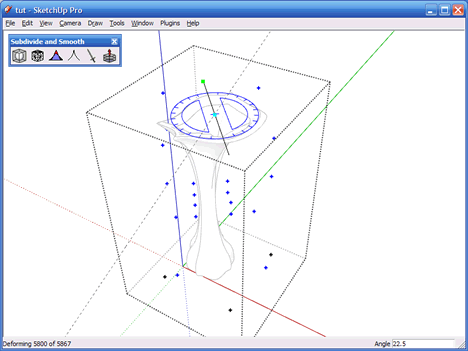
The CP grid is enclosed in a Group. After the Group is opened for editing the CP's can directly be manipulated in any way. You can move them, rotate them along a distanced axis (as opposed to rotating a single CP which has no effect) and you can use the Scale tool to reposition a group of CP's simulatinously and / or uniformly.
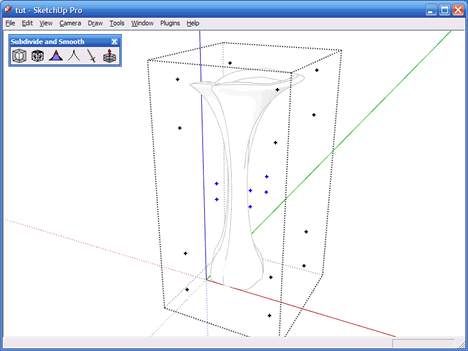
In the image above the center section CP's are scaled a little bit to make it more narrow, so it looks a tad more elegant, the result is shown below.
Now let's have some fun. The center of the vase will be rotated incrementally - first selecting the top 5 rows of CP's, rotating them 22.5 degrees, then deselecting the bottom-most row of CP's and then rotate the remaining selected 4 rows of CP's, rotating them also 22.5 degress, and so forth until the last row has been rotated.
A temporary Edge is drawn between 2 CP's on the top, to allow for easy selecting of the middle of the rotation axis.